
Dial Throttle
An M5Stack Dial handheld throttle for JMRI WiThrottle and LCC layouts.
BoardM5Stack DialESP32-S3
ProtocolsWiThrottle · LCC
Throttle4–16 notchesspeed steps 0–126
InputDial · touch · keypadRFID loco select
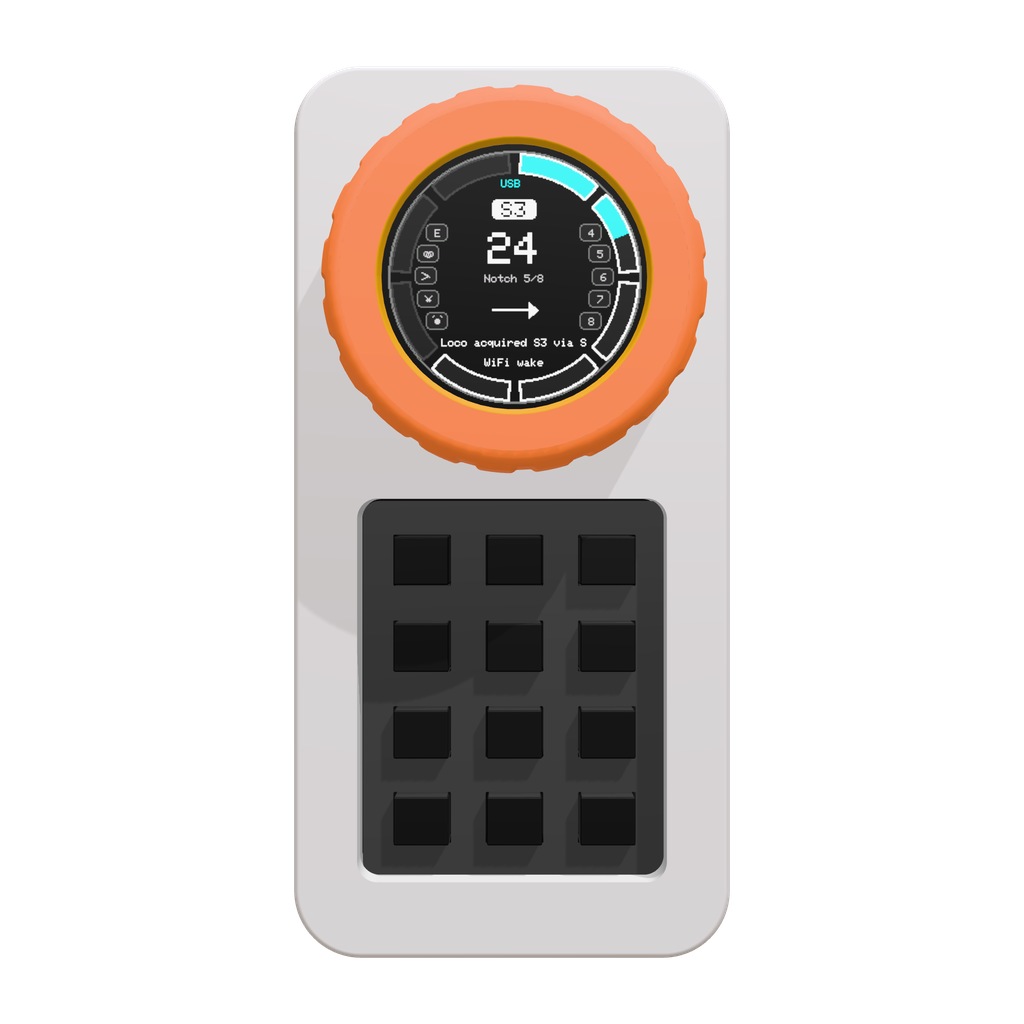
| Idle, no loco | Half-step between notches | Ramping to notch 5 | Full speed |
|---|---|---|---|
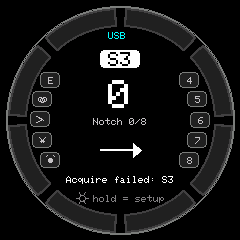 | 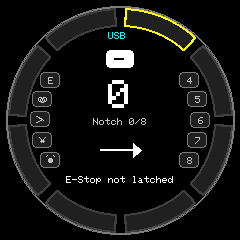 | 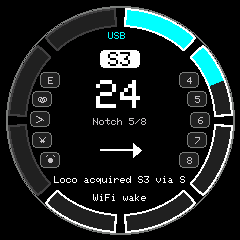 | 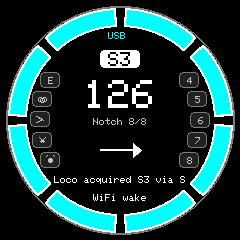 |
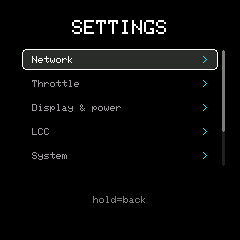
| Reverse | E-Stop latched | Battery gauge | Settings menu |
|---|---|---|---|
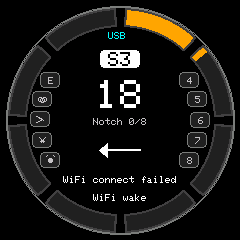 | 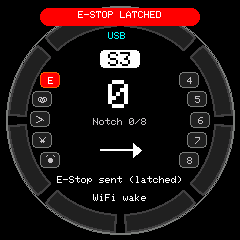 | 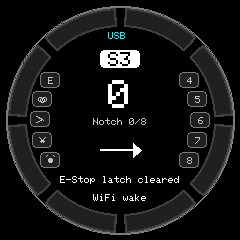 |  |
What it does
- Connects to your WiFi network and to a JMRI WiThrottle server (default port
12090), or to an LCC GridConnect server as a real OpenLCB node. - Uses the dial as a notched throttle with momentum. You choose 4, 8, 12 or 16 notches, and speed
runs over steps
0..126. - Caps reverse at half the notches by default, so the dial only reaches half speed backwards.
- Brakes while you hold the touchscreen. A press of the dial button stops the loco, or reverses it when already stopped.
- Adds function, turnout and loco-select keys through a SparkFun Qwiic keypad.
- Selects a loco by RFID tag, looked up in a MySQL table, a local map, or the tag UID itself.
- Saves power on battery by dimming, turning the display off, suspending WiFi and finally powering off, but never while the train is moving.
- Keeps WiFi, server and throttle settings in flash, editable on the device.
Where to go next
| Page | Covers |
|---|---|
| Getting started | Hardware, wiring, building and flashing |
| Parts list | What to order, with Digi-Key numbers |
| Using the throttle | Dial controls, keypad, settings menu |
| Protocols | WiThrottle and LCC details |
| Power and battery | Idle tiers, battery gauge and charge detection |
| RFID | Tag lookup and the MySQL table |
| Serial console | Debug commands and screenshots |
| Troubleshooting | JMRI setup and common problems |